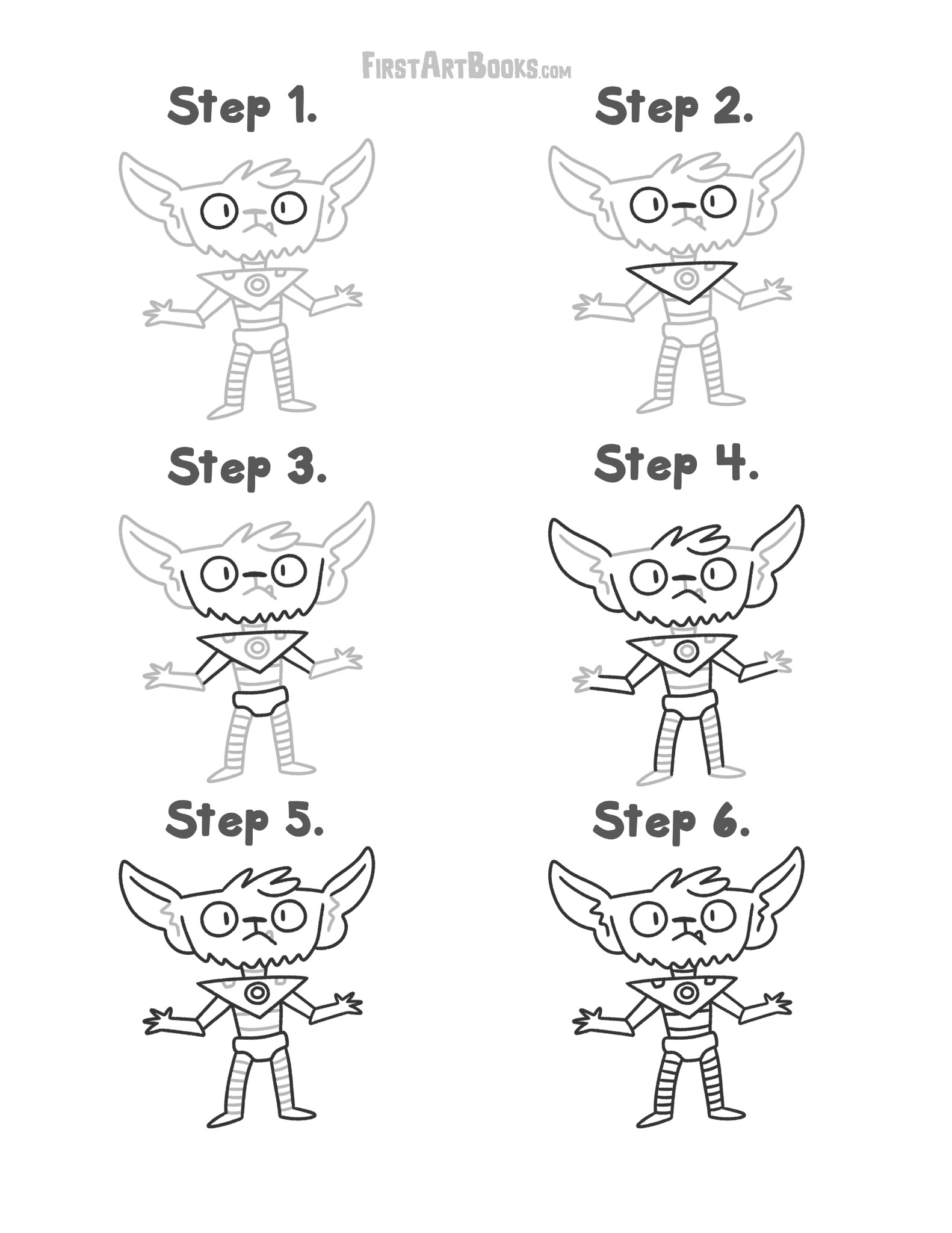
Sample 1
Download original JPGOpen the full-size page to print.
Make mechanical alien characters the starting point for a short screen-free session. This selection from How to Draw: Alien Cyborgs gives you 3 printable pages to try together.
Open the full-size page to print.
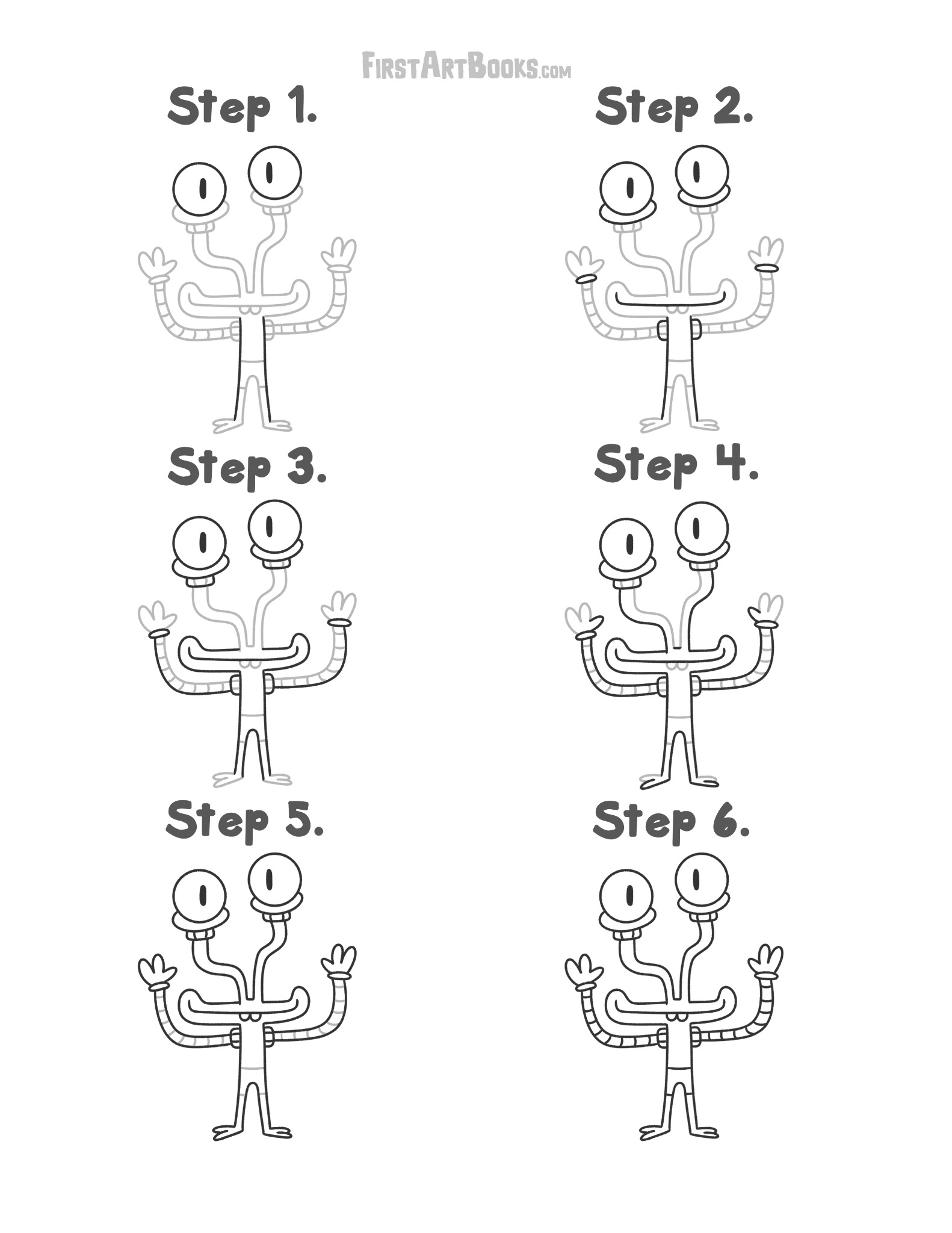
Open the full-size page to print.
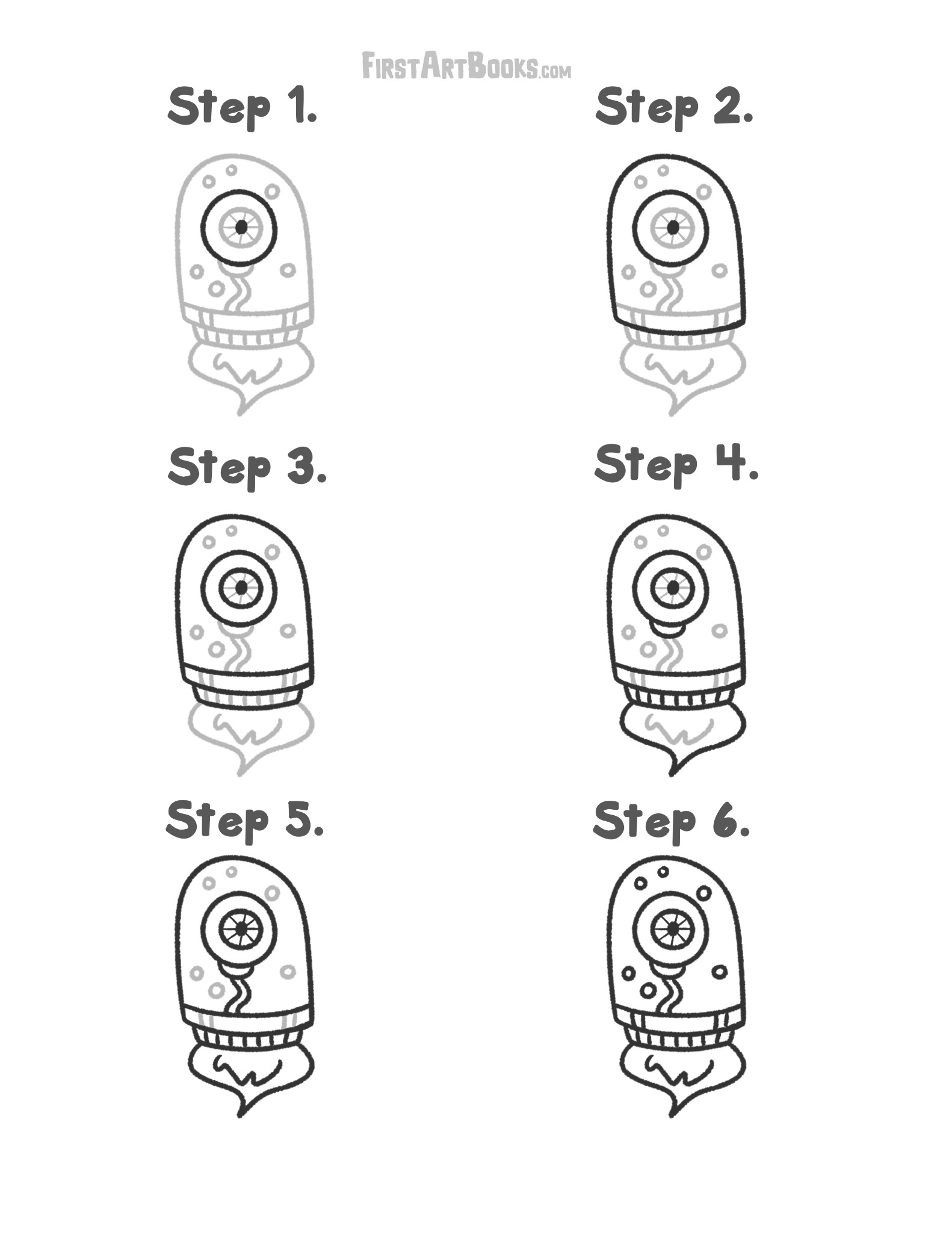
Open the full-size page to print.
Read the stages from first to last before making a mark. Begin with the first shape, add one change at a time, and use spare paper for your version. These samples are drawing lessons, not pre-drawn coloring sheets.
Set out a pencil, crayons, and one printed page. Agree on a comfortable stopping point, such as finishing the outline or one grid row. For siblings, print separate copies so each child can choose a pace and add personal details.
Look for a change from a rounded body part to a straight mechanical edge. Invent a job for the character’s equipment on separate paper.
Download the original JPG, then open it in an image viewer or your browser. Choose portrait orientation and fit the whole image to the printable area. Check the preview before printing; do not use a fill or crop setting. The download preserves Kevin Coulston’s original artwork.
These are selected interior samples, not the full book. See How to Draw: Alien Cyborgs details and its Amazon purchase link to compare the book’s format and age guidance.